Play and learn
Hands-on ways into his music: play a theme on the on-screen piano with Follow me, conduct by tapping the beat, meet the instruments, pull a passage apart voice by voice, and learn the words with the glossary, the forms and the listening paths.
You do not need to read music to enjoy Tchaikovsky, but it is fun to get your hands on it. These pages let you play his tunes, set their speed, take the orchestra apart and learn the words musicians use. Everything plays in the browser; nothing needs installing. Sound starts only when you press a button.
Play a theme
Play a theme has ten of his best-known melodies, among them the swan theme from Swan Lake, the Dance of the Sugar Plum Fairy, the Fate fanfare of the Fourth Symphony and the opening of the Piano Concerto No. 1. Choose one, and its notes appear above a piano keyboard. There are three ways to play:
- Listen: press Play and hear the melody. The keys and the notes light up as it goes.
- Follow me: the next key lights up and waits for you. Press it and the next one lights. A wrong key still sounds, but the melody waits for the right one, so you can go as slowly as you like.
- Free play: play whatever you want. Nothing is counted.
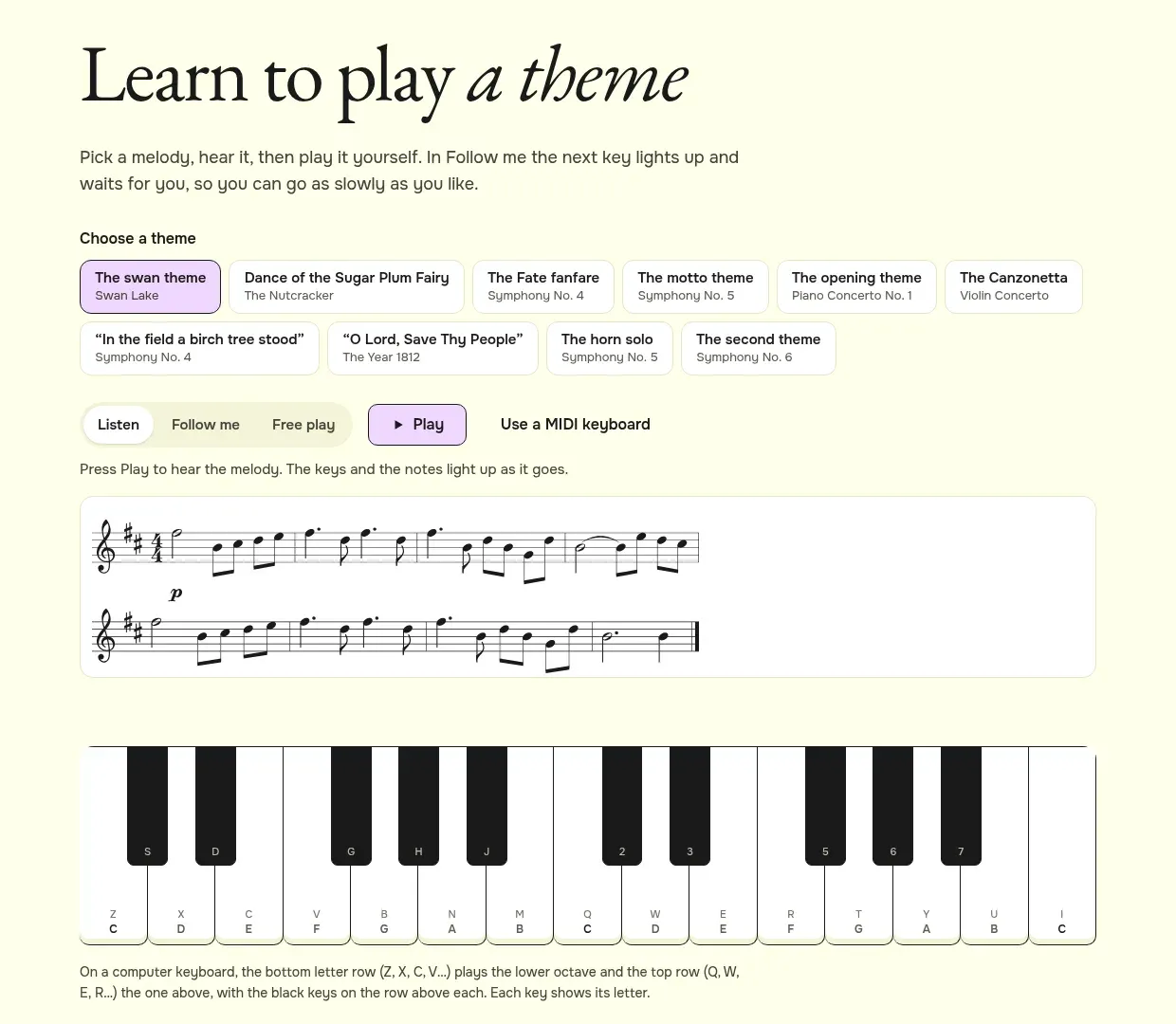
You can play with a mouse, by touch, or with the computer keyboard. The bottom row of letters (Z, X, C, V…) plays the lower octave and the top row (Q, W, E, R…) the one above; the black keys are on the row above each. If you have a MIDI keyboard, press “Use a MIDI keyboard” and plug it in.
How to learn the swan theme with Follow me
- Open Play a theme and choose “The swan theme”.
- Press “Listen” and then Play, to hear how it goes.
- Press “Follow me”. The first key lights up.
- Press the lit key, then the next one. The counter tells you how many notes you have played. At the end it says “Well done” and you can start again.
Conduct a theme
On Conduct a theme you set the speed. Choose a theme, then tap the big green pad in a steady beat, or press Space or Enter. After two taps the music starts and follows you: tap faster and it speeds up, slower and it slows down; stop tapping and it slows to a stop.
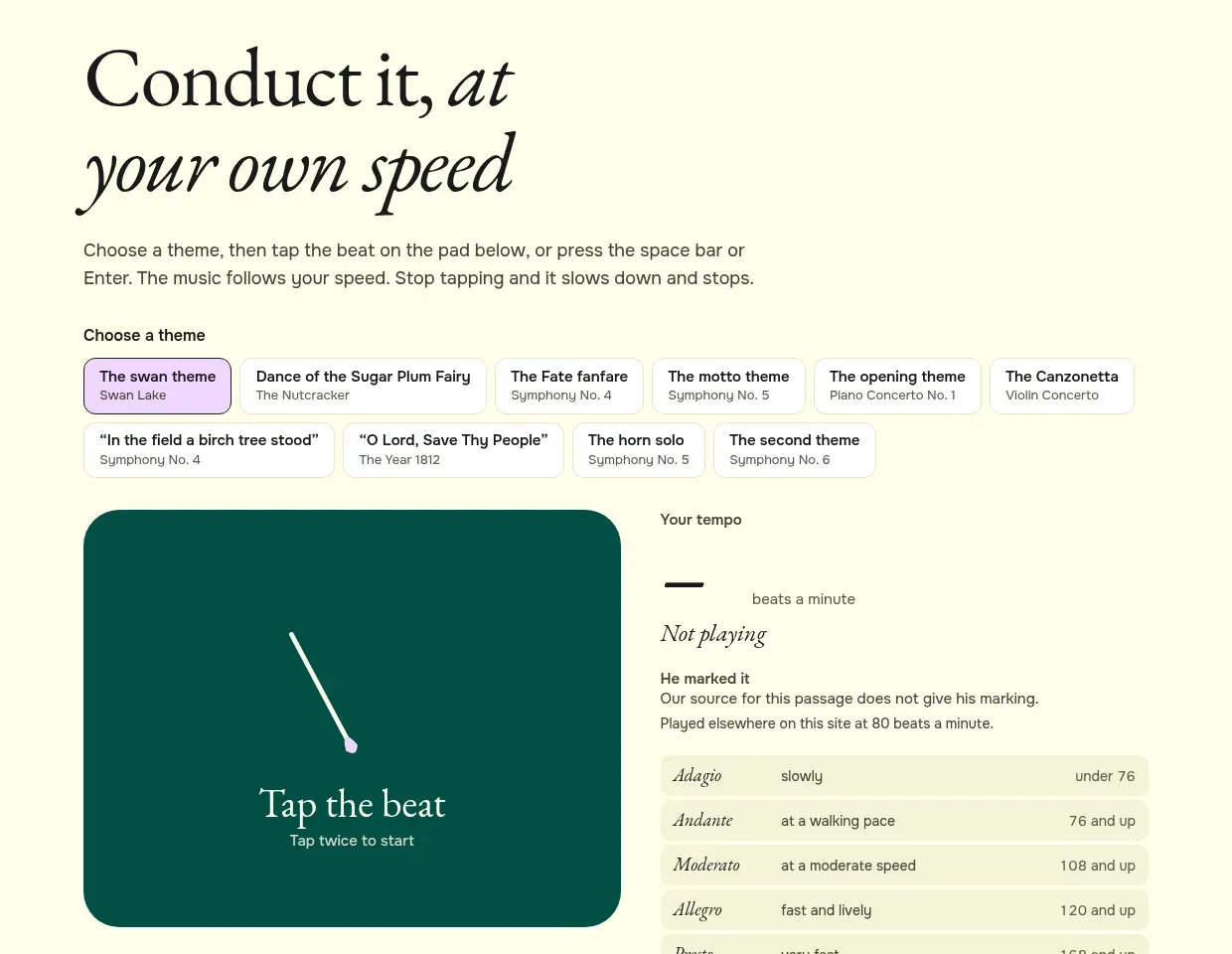
Beside the pad, “Your tempo” shows your speed in beats a minute and its Italian name: Adagio is slow, under 76 beats; Andante a walking pace; Allegro fast and lively, from 120. “He marked it” shows the speed Tchaikovsky wrote in the score, where the source gives it, so you can see how close you came.
The instruments of his orchestra
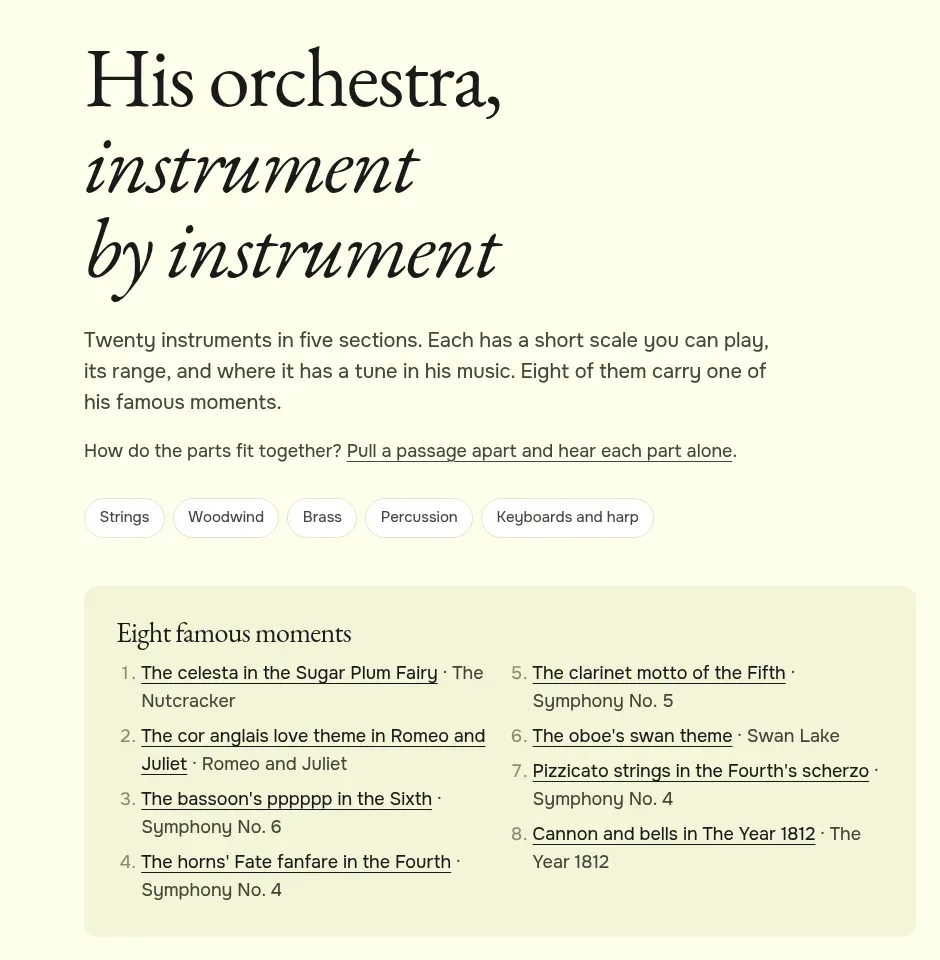
Instruments introduces twenty instruments in five sections: strings, woodwind, brass, percussion, and keyboards and harp. Each has a line drawing, a short scale you can play, its range, and a tune it plays in his music. “Eight famous moments” collects the passages where one instrument is the star: the celesta in the Sugar Plum Fairy, the oboe’s swan theme, the bassoon’s extremely quiet notes in the Sixth Symphony, the cannon and bells in The Year 1812.
Pull a passage apart
Orchestral music is many lines played at once. Pull a passage apart takes three short passages, among them the six-part hymn that opens The Year 1812 and the Fate fanfare, and gives each line its own colour and sound. Each part has two buttons: Mute silences it, Solo plays it alone. Mute everything except the bass and you hear what holds the music up; solo the melody and you hear how bare it is on its own.
The words, and the shapes
Terms is a short glossary of 22 musical words, such as motif, pizzicato or coda. Each one has a plain definition and an example you can play, taken from his music. Underlined terms in the “Listen for” cards on work pages link here.
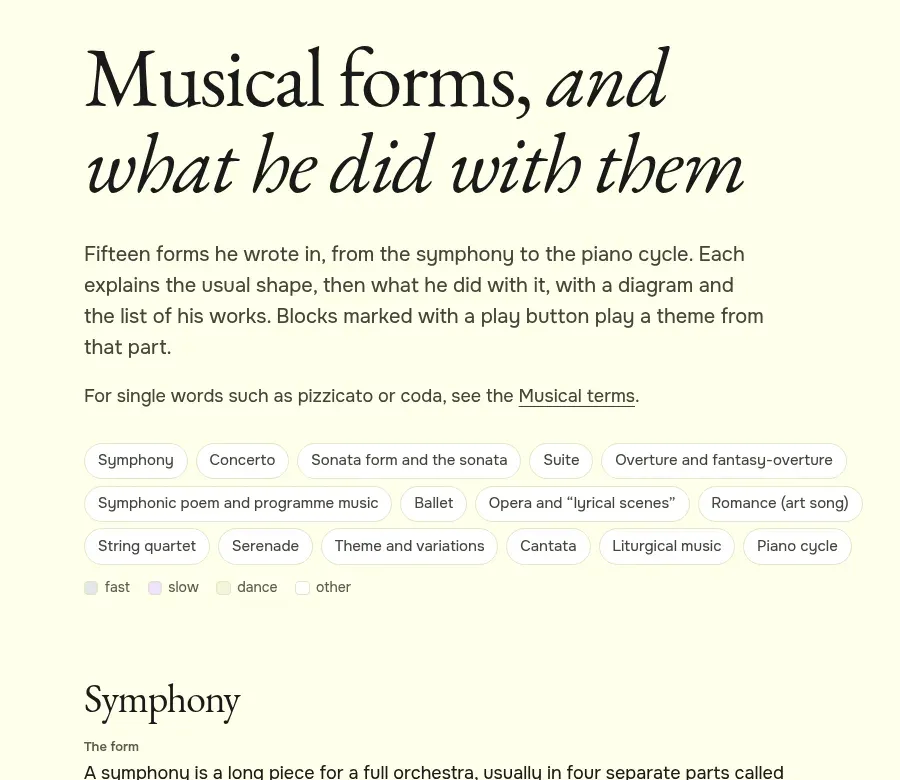
Forms explains fifteen kinds of piece he wrote: symphony, concerto, suite, ballet, opera, romance (art song), theme and variations and more. Each has “The form” (the usual shape), “What he did with it”, and a diagram of blocks coloured by pace: fast, slow, dance. Blocks with a play button play a theme from that part. The diagram shows at a glance, for example, that his Sixth Symphony ends with a slow movement, where a symphony usually ended fast.
Listening paths
When you are ready to listen to whole pieces, the listening paths are short routes through his music: “Your first hour”, “For children”, “The symphonies in order”, “His darkest music”, “Piano at home”, “Songs and the voice” and “Russia in his music”. Each path has five to ten stops, with a note on what to listen for and, for most stops, a play button for a freely licensed recording or a melody. A stop you have played gets a tick, and the ticks are kept in your browser, so you can come back and carry on.
Try it. Choose the Dance of the Sugar Plum Fairy, press “Follow me” and play it through. Then open Conduct a theme and play the same dance twice as fast.